
Search is changing.
Your customers aren’t just typing keywords into Google anymore — they’re asking AI assistants like ChatGPT, Perplexity, and Gemini to do the shopping for them.
Instead of searching for “running shoes”, they’re asking:
“Find me the best running shoes under $150 with a 30-day return policy and summarise the top options.”
If AI can’t properly read and understand your Shopify store, it won’t recommend your products.
Worse, it might:
- Show outdated pricing
- Recommend out-of-stock products
- Or completely misunderstand your return policy
That’s where llms.txt comes in.
What is an llms.txt File? (AI Sitemap Explained)
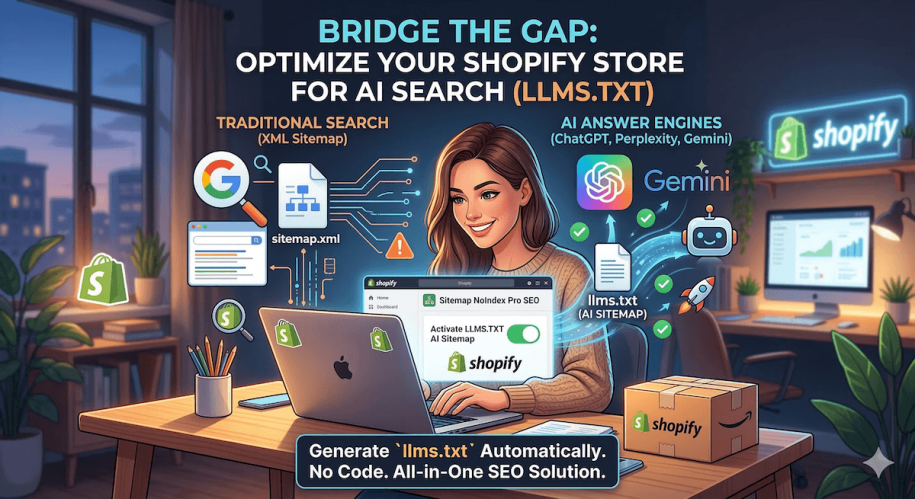
Think of an llms.txt file as an AI sitemap for your Shopify store.
- XML sitemap → helps Google crawl your pages
- robots.txt → tells search engines what to avoid
- llms.txt → helps AI understand your store
Instead of raw HTML, llms.txt provides a clean, structured, AI-friendly format.
It gives AI models clear information about:
- Your brand and positioning
- Key product categories
- Important products
- Pricing and availability
- Shipping and returns
This reduces hallucinations and ensures AI tools represent your store accurately.
Why Shopify Makes llms.txt Difficult to Add
Here’s the problem:
Shopify doesn’t let you upload files to your root directory.
That means you can’t simply create:
yourstore.com/llms.txt
So merchants end up trying workarounds like:
❌ The Redirect Method
- Upload file to Shopify Files (CDN URL)
- Create a redirect to
/llms.txt
❌ The Cloudflare Method
- Route your domain through Cloudflare
- Write custom worker scripts
The real issue?
Both methods are:
- Static
- Manual
- Easy to break
Every time you:
- Add a product
- Change pricing
- Update policies
👉 You have to update the file again
That’s not scalable.
How to Add llms.txt to Shopify (The Easy Way)
Instead of manually maintaining a static file, you can generate an auto-updating llms.txt AI sitemap.
This is exactly what tools like Sitemap NoIndex Pro SEO are designed for.
Why Use Sitemap NoIndex Pro SEO?
Rather than treating AI SEO and traditional SEO separately, this approach combines both.
✅ Auto-Updating llms.txt
Your AI sitemap updates automatically when:
- Products change
- Prices update
- New pages are added
✅ Clean XML Sitemap for Google
Remove:
- Duplicate pages
- Hidden products
- Low-value URLs
✅ NoIndex & Crawl Control
Control what search engines (and AI) should:
- Index
- Ignore
- Prioritise
✅ No Technical Setup
No:
- Code
- Cloudflare
- Manual redirects
Just install and configure.
Why This Matters for AI Search (ChatGPT, Gemini & More)
AI search is still early — but it’s growing fast.
Right now:
- Most Shopify stores are not optimised for AI
- AI tools struggle to interpret store data properly
That creates a big opportunity.
Merchants who:
- Structure their data
- Control AI access
- Provide clean inputs
👉 Will be the ones AI recommends
Final Thoughts
Adding an llms.txt file isn’t just a technical task — it’s about making your store understandable to AI.
And as search shifts toward AI-generated answers, that visibility will matter more and more.
Shopify doesn’t make this easy out of the box — but the right setup can remove the complexity entirely.
Start Optimising for AI Search
If you want to:
- Improve your visibility in AI tools
- Clean up your SEO setup
- And avoid manual work
You can try Sitemap NoIndex Pro SEO and generate your llms.txt file automatically.
Related Posts:
- Why Your Shopify Store Needs an llms.txt File in 2026 (And How to Get One)
- 5 Best Quiz Apps for Shopify in 2026
- Top 10 Shopify Apps To Improve SEO and Convert More in 2026
- The Ultimate Guide to Optimising Shopify Product Pages for SEO
- How to Noindex Pages in Shopify (And Why It’s Crucial for SEO)
- Boost Shopify SEO by adding a Sitemap to your Shopify store